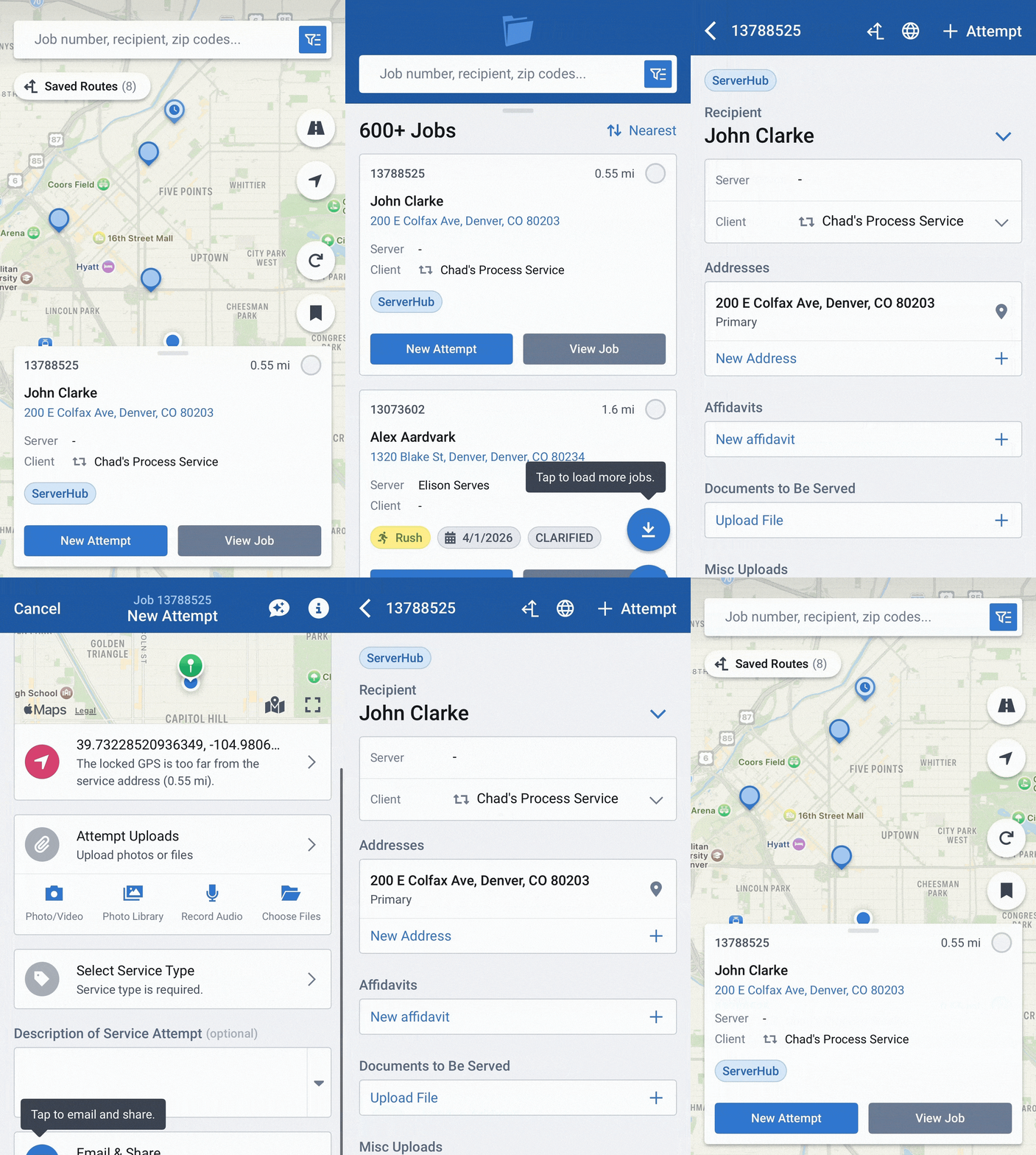
Desktop Notifications
- May 20, 2026
- New Features
ServeManager is proud to present our newest feature, Desktop Notifications!
(This feature goes live Thursday, May 21st)
Similar to the Mobile App's notification system for pending jobs, cancelled jobs, and declined jobs, the Desktop Notifications Center is a handy tool to help every ServeManager user stay on top of their ever-changing workload.
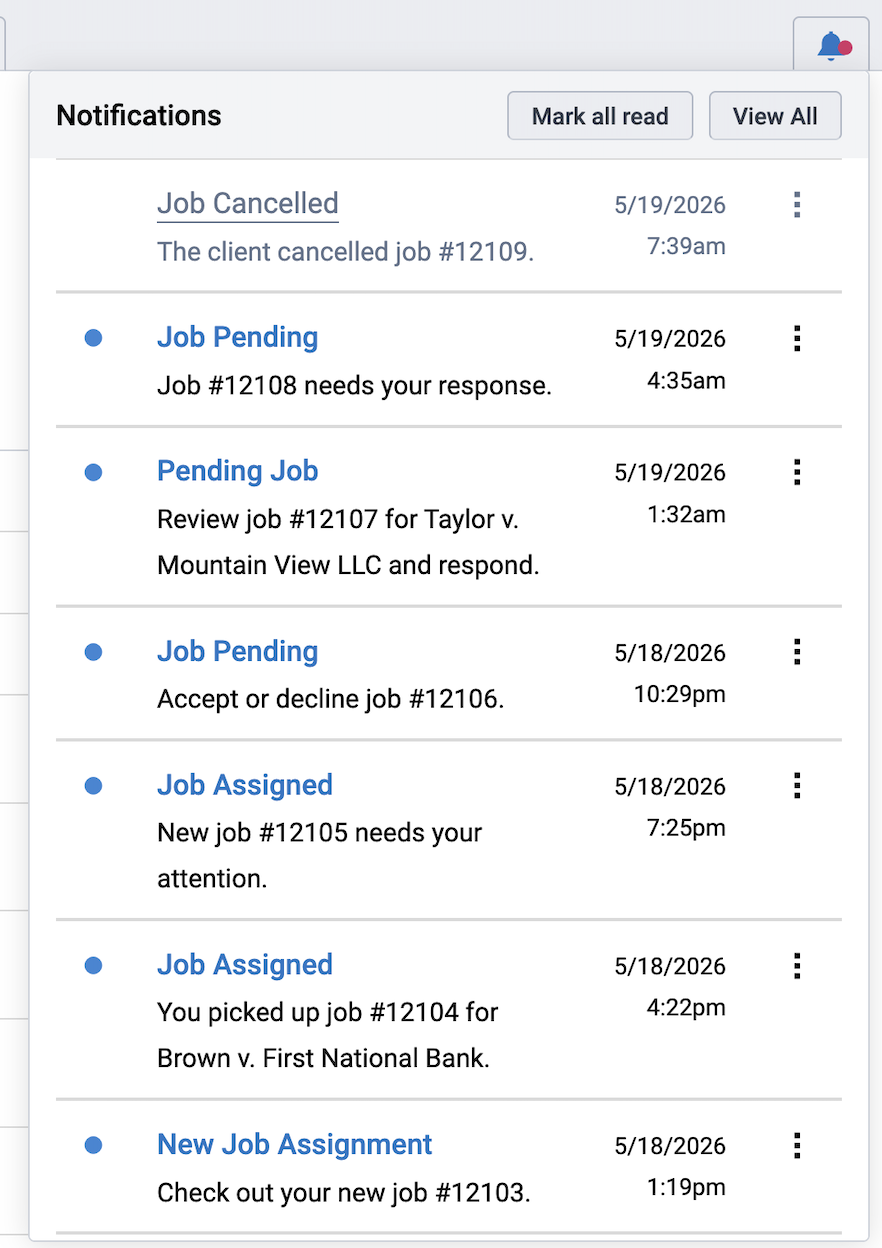
When viewing your Job Index, you'll see the Notification button in the top right corner of the screen. Clicking the Notification button opens the notification inbox (the red dot means you have unread notifications), from here you can view recent notifications, mark all notifications as read, or view all notifications. A blue dot indicates the notification is unread.
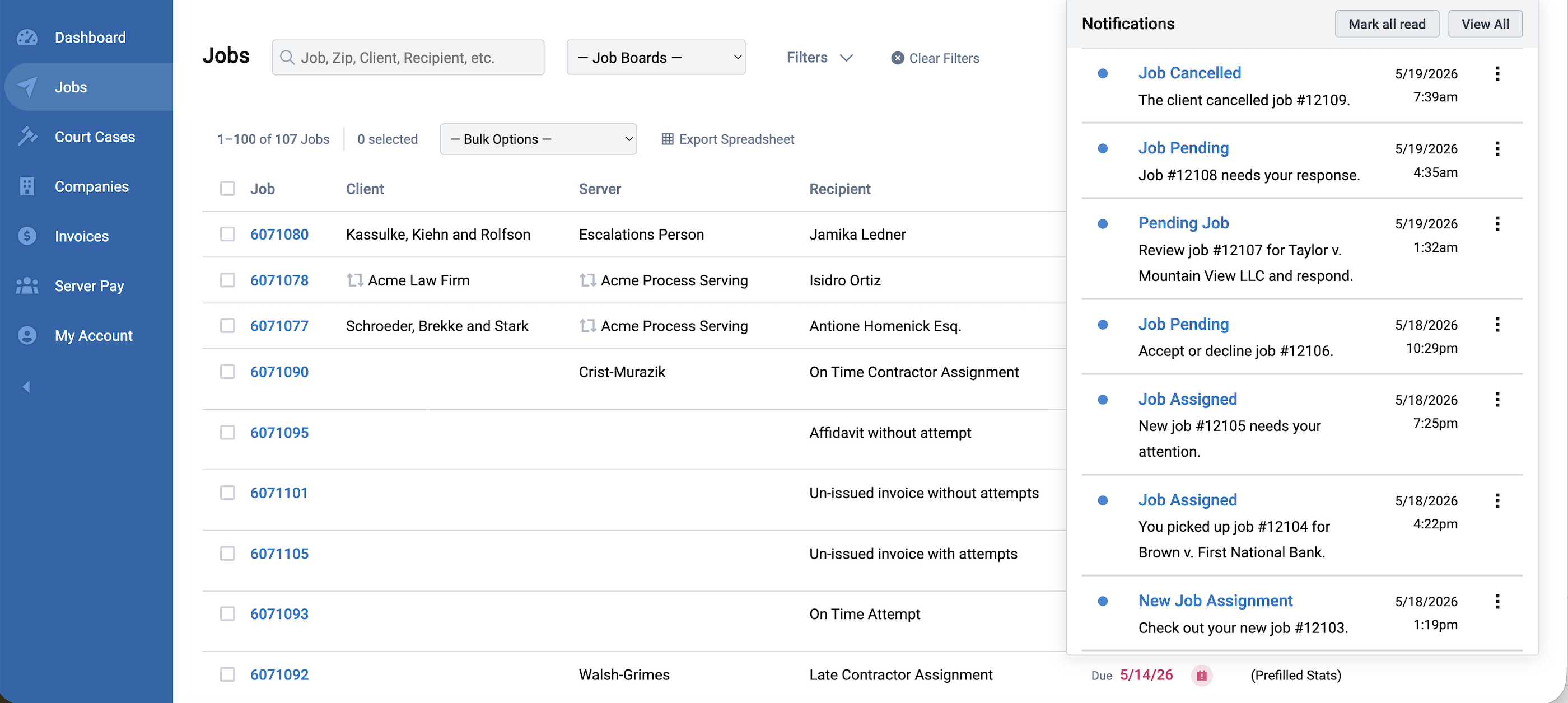
The current notification options include:
- New Job Assigned
- Job Pending
- Job Canceled
- Credential Expiring Soon
- Credential Expired
Pressing View All opens the Notifications Center.
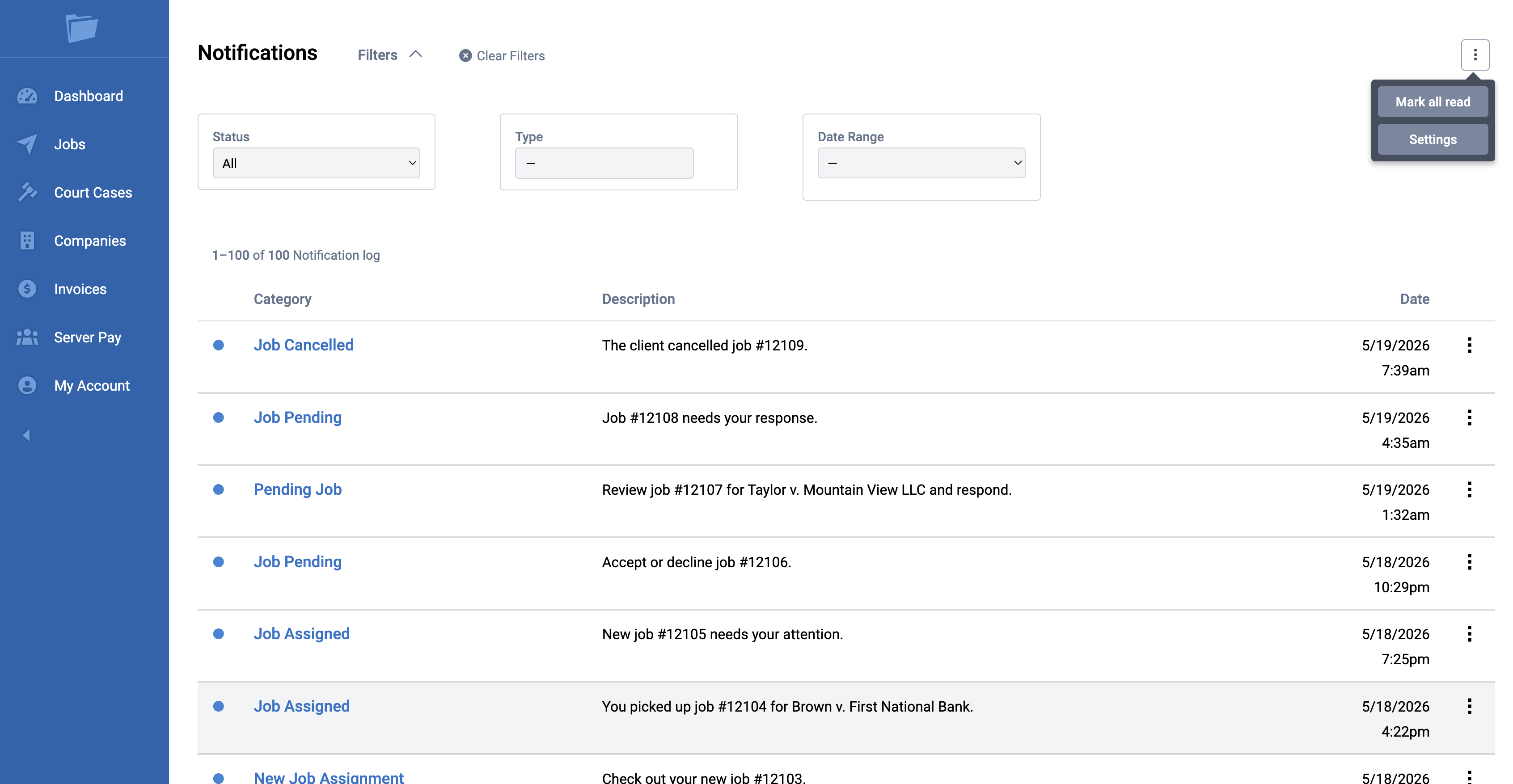
Press the Settings button to open your Notifications Settings and update your notification preferences for desktop/mobile.
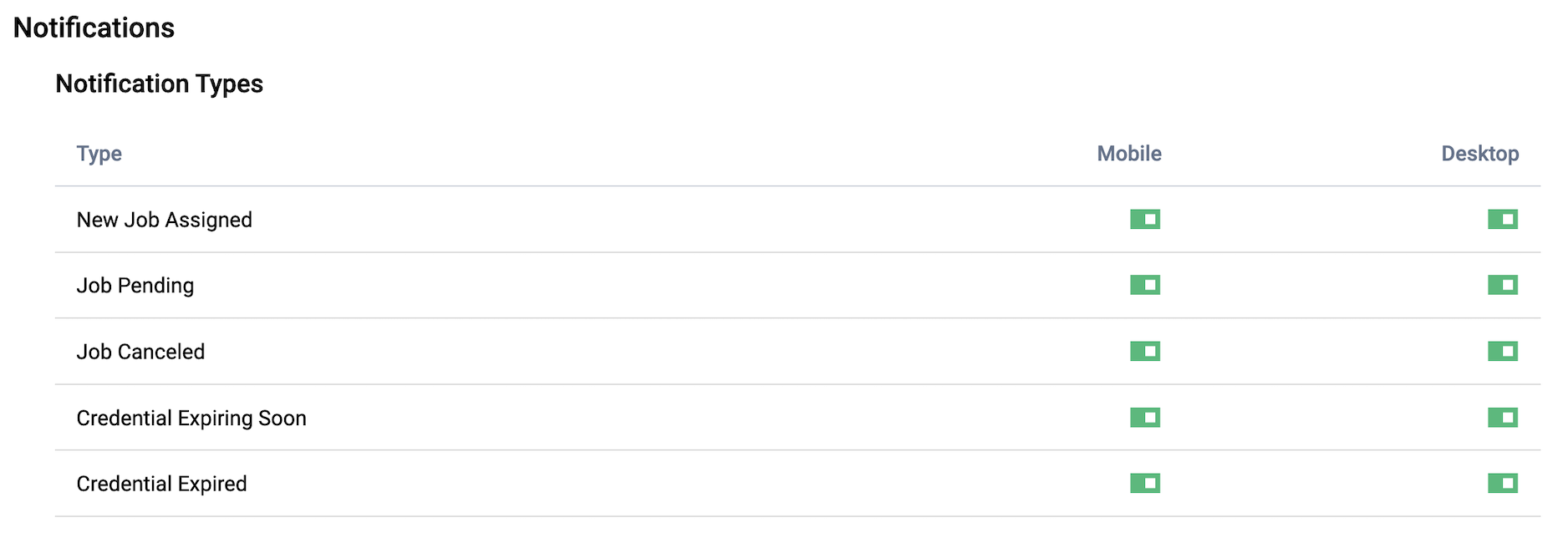
Each user can modiy their own notification settings, it will not affect other user's notification preferences.
If you have any questions, feel free to reach out to our Support Team.